G-Tune Gimbal Configuration
- Make sure you are using latest AEVO firmware, supporting Mavlink communication.
- AEVO Firmware
Aevo_813_Alpha.hex 📄
- AEVO Profile
AEVO_Profile_VS620.csv 📄
- AEVO Profile 2
AEVO-VS620-8.1.3.csv 📄
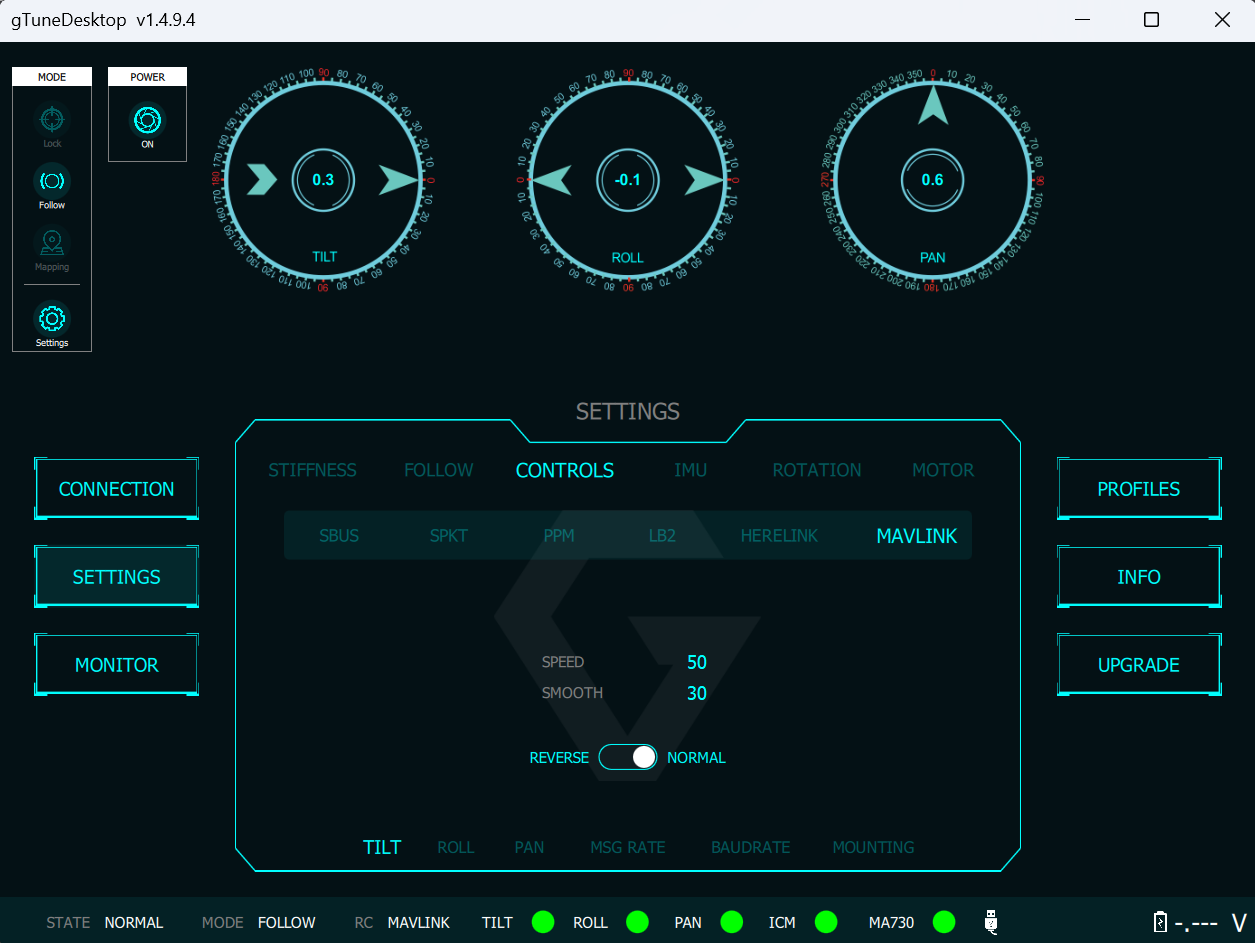
- Open G-Tunem and set the Mavlink to normal, by default the baud rate should be 115200 and the port is COM.
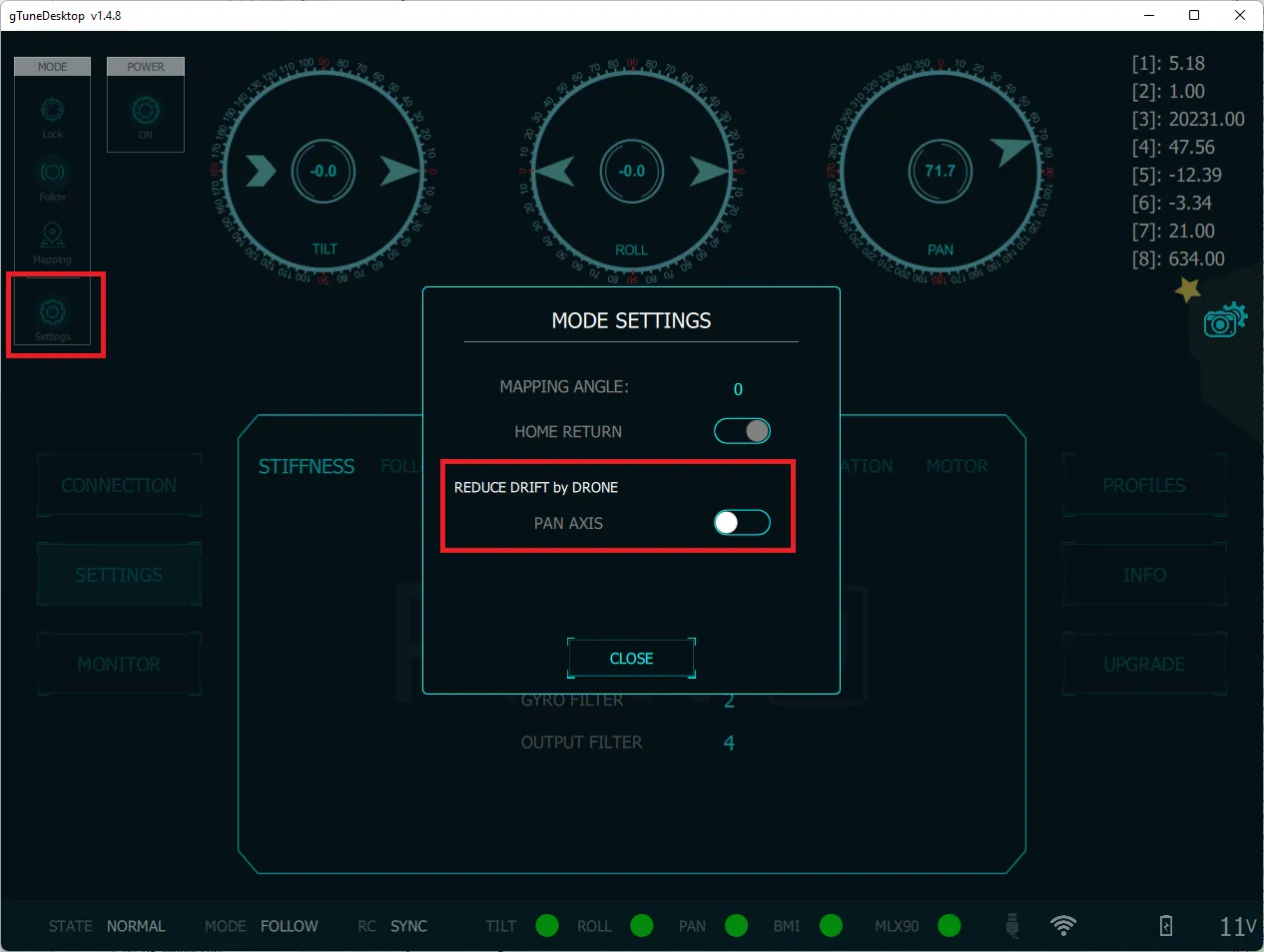
- Enable Home return by using drone’s heading.