Battery options
Battery Pack: Doodle Labs BAT-W01-A
The Battery Pack is designed for use with the Wearable Mesh Rider Radio.
It features a rugged, IP67-rated aluminum casing and supports fast charging.
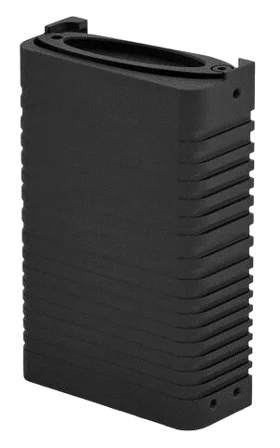
Key Features:
Capacity: 5000mAh @ 36Wh
Cell Configuration: 2x 21700 Li-Ion cells in 2S1P configuration
Charging: USB-PD compliant (5V–15V)
Operating Time:
-
Max Usage: ~3.5 hours
-
Normal Usage: ~5.2 hours
-
Standby: ~6.5 hours
- Use a maximum 20W USB-C power supply to avoid overheating while charging.
- For long-term storage, maintain the battery voltage between 7.4V–7.8V and recharge every month.
Power On & Off
| Press PWR Button - ON mode | Solid YELLOW LED is ON and user shall hold the PWR button. Then solid GREEN LED is ON and user can release PWR button anytime then |
| Press PWR Button - OFF mode | Solid RED LED is ON and user shall hold the PWR button. Then RED LED will go off and user can release PWR button anytime then |
LED status meaning
| USB-C PD Charger NOT plugged in | System is OFF |
| Battery charging, USB-C PD Charger plugged in, Battery capacity < 5% | Fast blink RED LED |
| Battery charging, USB-C PD Charger plugged in, 5% ≤ Battery capacity < 60% | Medium blink YELLOW LED |
| Battery charging, USB-C PD Charger plugged in, 60% ≤ Battery capacity < 100% | Slow blink GREEN LED |
| Battery fully charged, USB-C PD Charger plugged in, Battery capacity 100% | GREEN LED is SOLID ON |
| Battery's temperature exceeds battery warm threshold or battery cool threshold | RED and GREEN LED blinks alternatively |
| a. Battery's temperature exceeds battery hot threshold or battery cold threshold b. Battery is missing | RED LED blinks twice consecutively then GREEN LED blinks twice consecutively and repeat |
External non Doodle Labs Battery
You can bypass the original Doodle battery and use the input power from the USB cable.
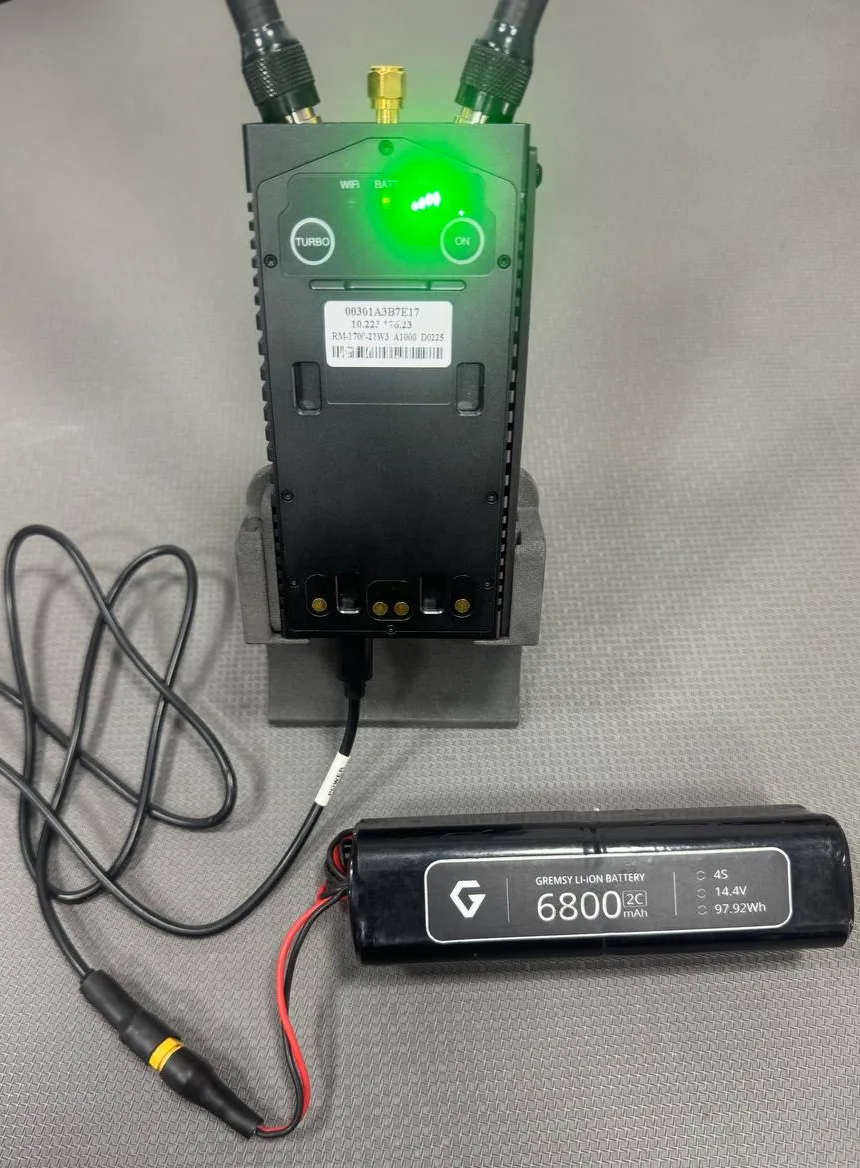
Power input: 6V - 24V, USB-PD Compliant Recommended a 4 cells battery