Mission Planner
-
Open Mission Planner on your computer.
-
Select the UDPCI connection option.
-
Set the Baud Rate to 57600.
-
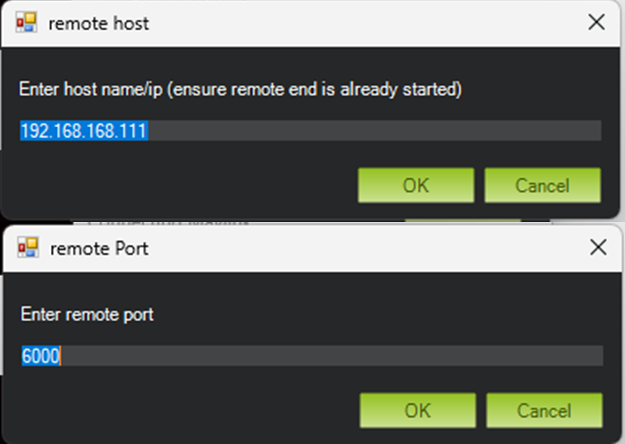
Input the following details:
-
IP:
192.168.168.111(Default Version) or192.168.168.11(Hyspex Version) -
Port:
6000
-
-
Click Connect to establish the connection.